A beginner-friendly guide
Create your first website without the overwhelm.
Plain-English guides to planning, building and growing a website — from choosing a domain and hosting to WordPress, Google Search Console and getting found.
You don’t need to become a developer.
You need to know what to do, what matters and what can wait. This site follows the same practical route a real beginner takes.
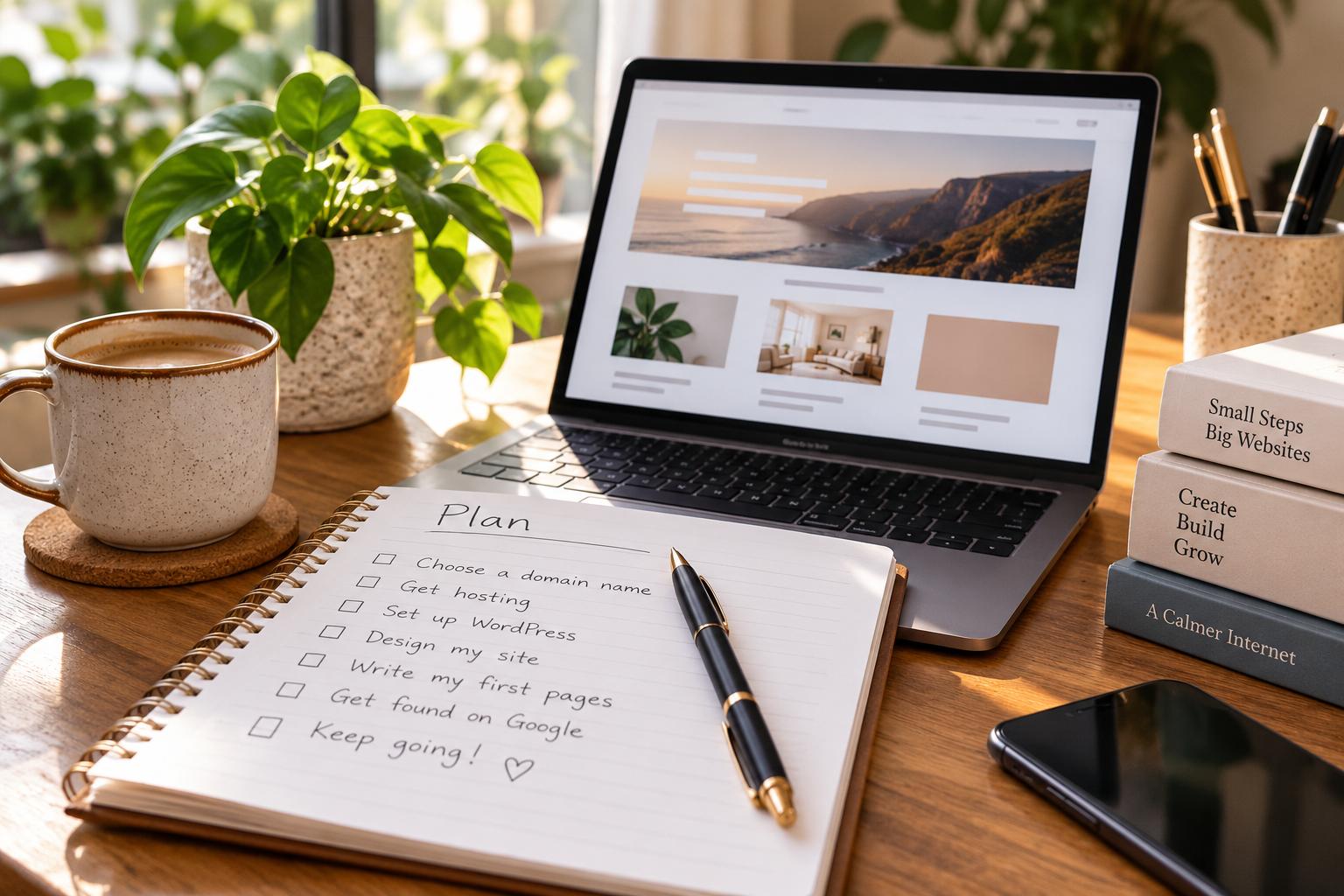
Follow the journey from idea to audience.
01. Plan
Work out what your website is for, who it is for, what pages you need and how to choose a domain.
02. Build
Choose hosting, get your website online and understand the essential pieces without unnecessary technical jargon.
03. WordPress
Learn the dashboard, themes, plugins, pages and settings you actually need for your first WordPress website.
04. Get Found
Connect Search Console, understand indexing and learn the SEO basics that help Google discover your useful content.
05. Grow
Use real search data to improve what works, build topical authority and explore sensible ways your website could earn.
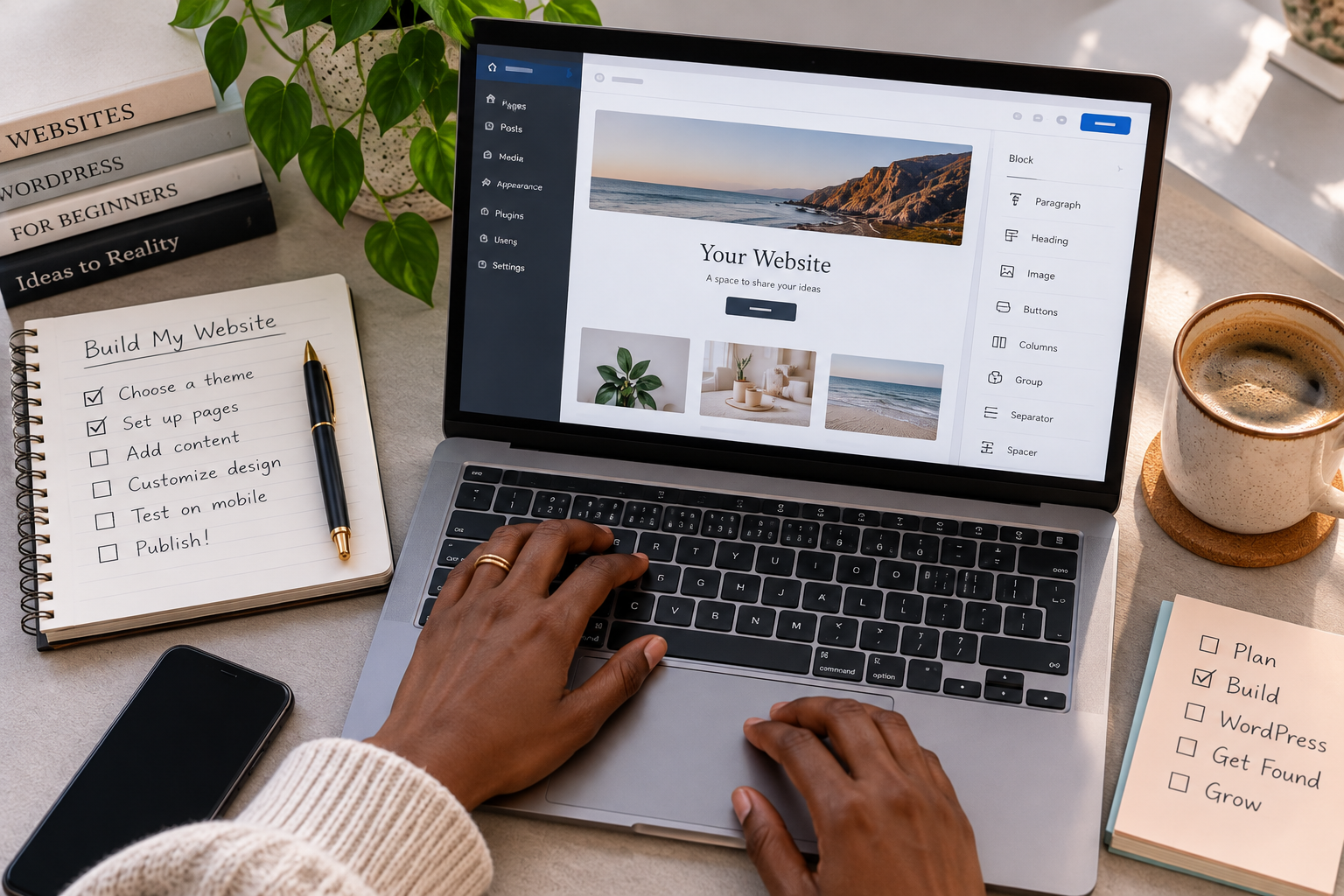
Build with confidence
One clear step at a time.
We use the tools we write about, including WordPress, Hostinger, Google Search Console, Site Kit and Rank Math. Where something is based on our own experience, we’ll say so. Where it isn’t, we won’t pretend it is.
Getting online is only the beginning.
Once your website exists, we’ll show you how to see what Google is actually doing with it, find opportunities in real search data and improve the site based on evidence rather than guesswork.

Start with the question you have right now.
You don’t need to learn everything about websites at once. Choose the stage you’re at, solve the next problem, then keep going.